Kliper
Sign in Book a demo
Kliper
SOLUTIONS

Built for both sides of the audit.

Assessors run the engagement in the Kliper workbench. Clients respond from a secure, no-login portal. Cortex ties it together — evidence flows in, gets classified, and lands on the right requirement.

§01THE WORKBENCH

One workspace to run the whole engagement.

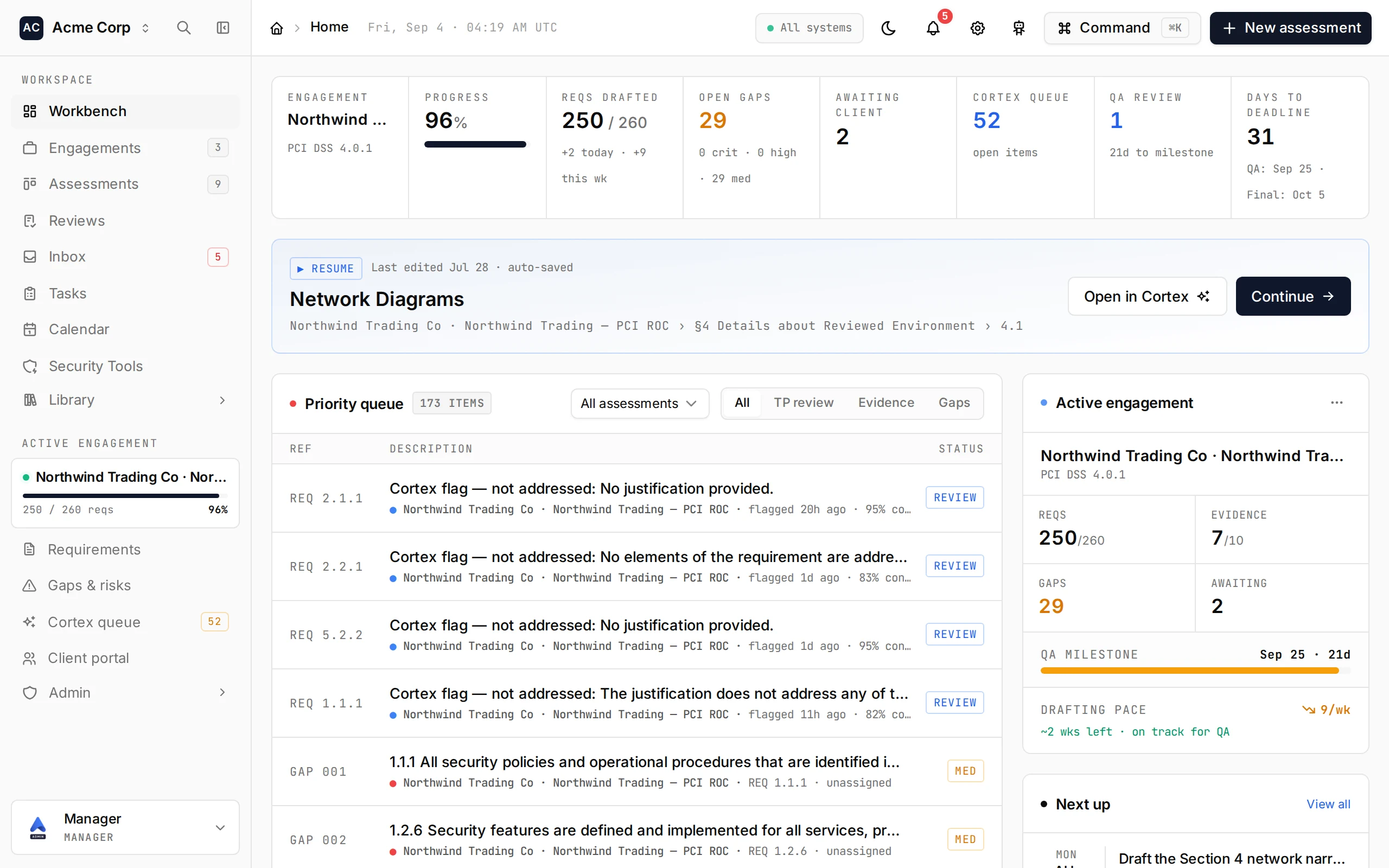
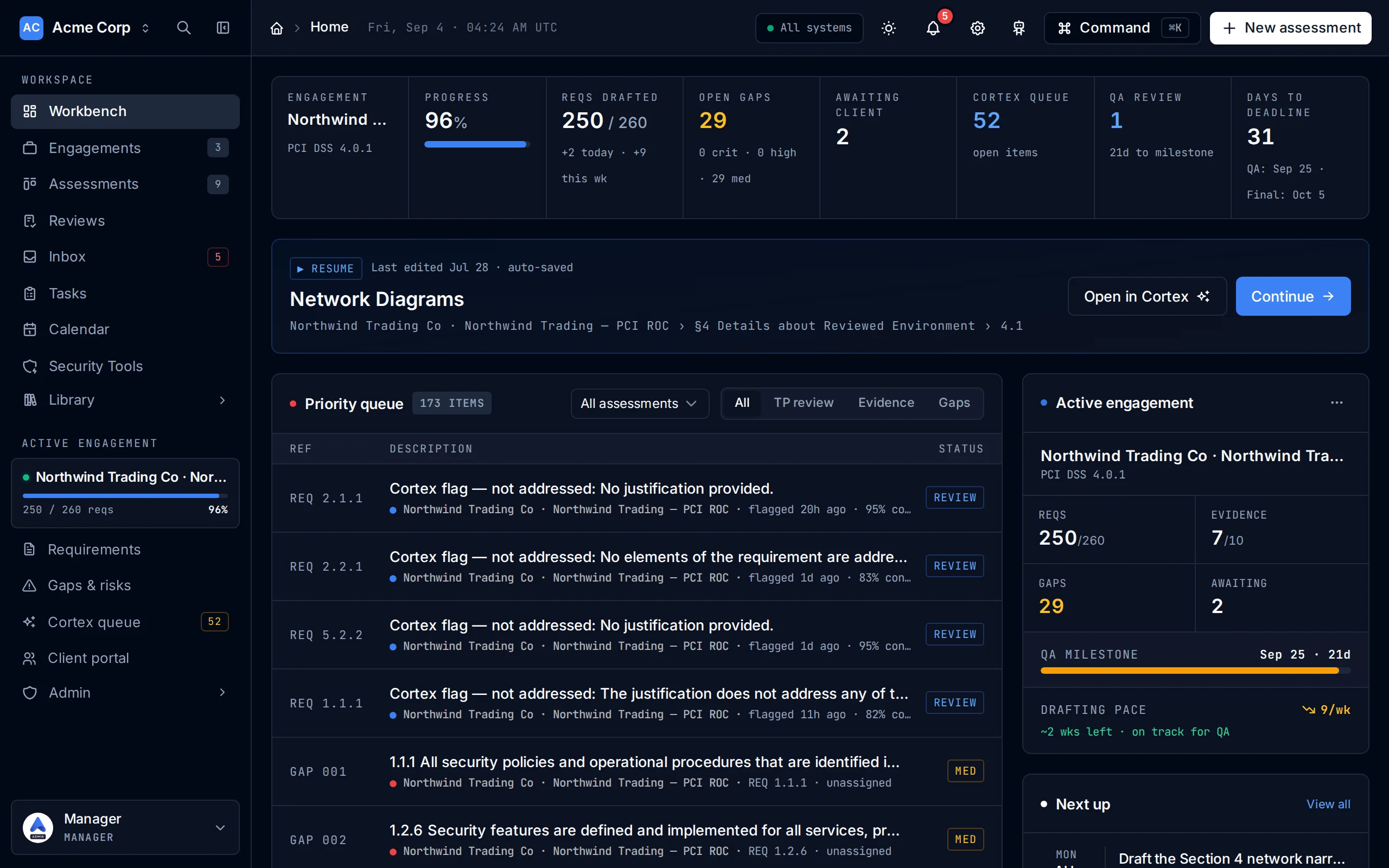
For QSA firms and in-house teams. Scope, draft testing procedures with Cortex, track gaps, manage evidence, and export a defensible ROC — all in one tenant-isolated workspace.

  • Cortex drafts every TP from your past work, cited
  • Live gap & remediation tracking
  • Firm-wide evidence library & templates
  • One-click ROC export in your format
Open the workbench
§02CLIENT PORTAL

Clients respond. No account required.

Send a client a secure magic link and they land in a focused portal showing only what you've asked for. They upload evidence against each request — Cortex scans it on arrival and routes it to the right requirement for your review.

  • Passwordless magic-link access — no client onboarding
  • Clients see only their own evidence requests
  • Cortex auto-classifies each upload to its requirement
  • Time-boxed, revocable links — scoped to one engagement
portal.kliper.com/acme/requests/1.2.8
Kliper Client portal MO
1.2.8 Firewall Implementation Accepted
Requested by Kortlabs Admin Critical Due Mar 19, 2026
Evidence accepted — nothing left to do here
Reviewed and accepted by Kortlabs Admin on Mar 17, 2026.
What was requested
Provide the latest firewall ruleset export and the quarterly review sign-off for the CDE perimeter.
Evidence files1 submitted
FIREWALL_RULESET_EXPORT_Q2-2026.docx
24.3 KB · Mar 17, 2026 · Accepted
Activity
Evidence accepted
Kortlabs Admin · Mar 17, 2026, 14:05
FIREWALL_RULESET_EXPORT_Q2-2026.docx uploaded
Mouhcine Admin · Mar 17, 2026, 13:40
Request created
Kortlabs Admin · Mar 17, 2026, 13:31
§03THE EVIDENCE LOOP
STEP 01
Request
The assessor logs an evidence request against a specific requirement — title, due date, and notes. It appears instantly in the client's portal, and nothing else from the engagement is exposed.
REQ 1.2.7DUE FRIAWAITING
02
Magic link
Client gets a secure, no-login link to their portal.
03
Upload
Client drops in the file — from any device.
04
Auto-classify
Cortex maps it to the right requirement.
05
Review
Assessor verifies — the ROC updates.
§04GET STARTED

One platform for the whole engagement.

A 25-minute walkthrough with one of our engineers — assessor workbench and client portal, end to end.

No credit card · Full product · 14 days